天天下载 更新快、资源全,发现更多实用工具,就上天天下载!

endnote怎么更改同步路径?-endnote更改同步路径的方法

更新时间: 2026-01-16 20:17 分类: 其他教程 人气: (32) 0个评论

endnote是一款由Thomson Scientific公司研究开发的一款文献检索管理工具,那么endnote怎么更改同步路径?endnote更改同步路径的方法?下面就让天天下载Ttzip给大家解答下吧!

endnote怎么更改同步路径?

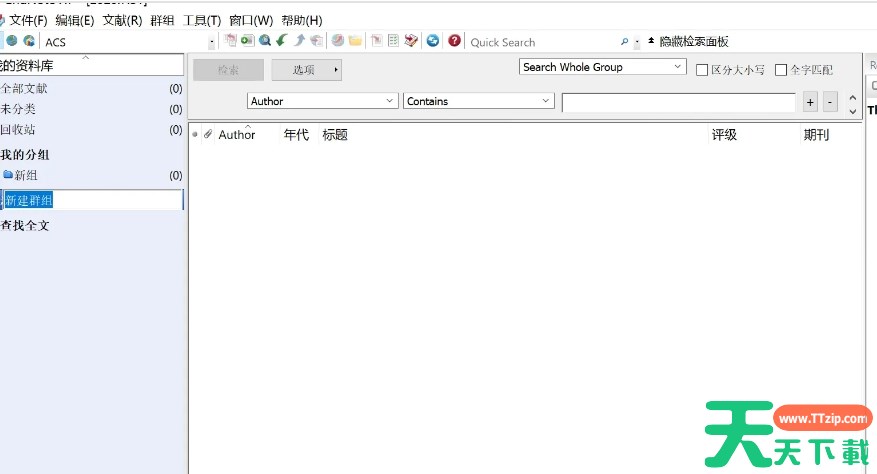
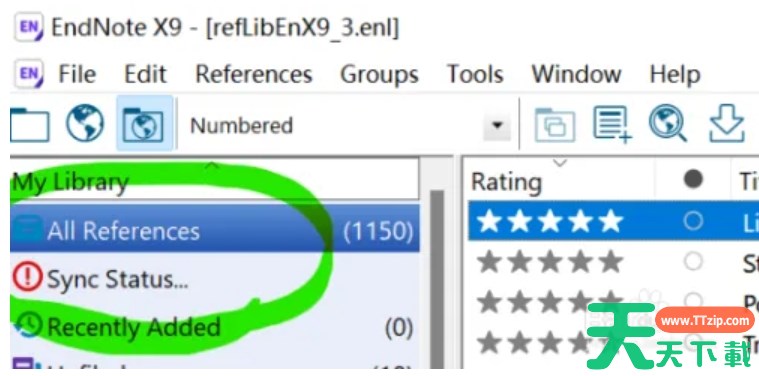
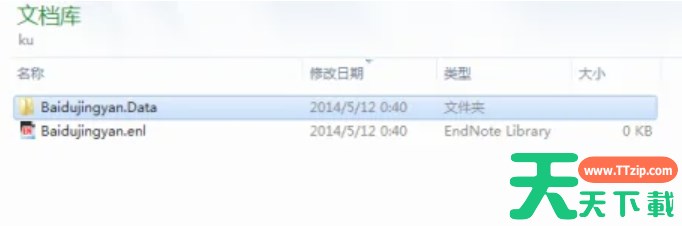
1、重新打开endnote软件,并创建一个新的Library,进入“Edit”菜单,选择“Preferences”。

2、在“Sync”选项卡中,正常输入Email地址和密码,并勾选“Sync Automatically”。

3、点击“确定”后,可能会提示备份当前Library,等待自动同步完成。
以上就是天天下载Ttzip为您整理的endnote怎么更改同步路径?endnote更改同步路径的方法啦,希望能帮到您。

除特别注明外,本站所有文章均为 天天下载 原创,转载请注明出处来自 https://www.ttzip.com/210556.html
10人喜欢