天天绿软 更新快、资源全,发现更多实用工具,就上天天绿软软件站!

acdsee怎么压缩图片大小?-acdsee压缩图片大小的方法

更新时间: 55分钟前 分类: 其他教程 人气: (23) 0个评论

acdsee让你的图片管理更条理,那么acdsee怎么压缩图片大小?acdsee压缩图片大小的方法?下面就让天天绿软Ttzip给大家解答下吧!acdsee怎么压缩图片大小?-acdsee压缩图片大小的方法

acdsee怎么压缩图片大小?

1、打开acdsee并加载图片:打开acdsee软件后在左上角的批处理中选择转换文件格式。acdsee怎么压缩图片大小?-acdsee压缩图片大小的方法
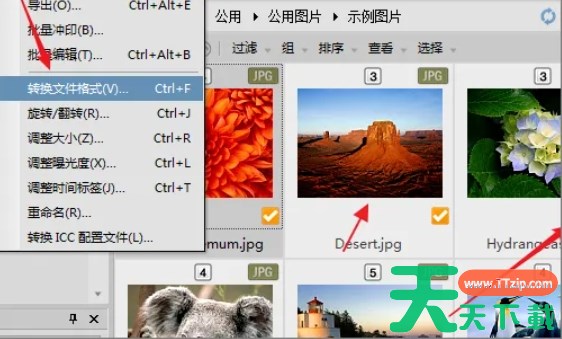
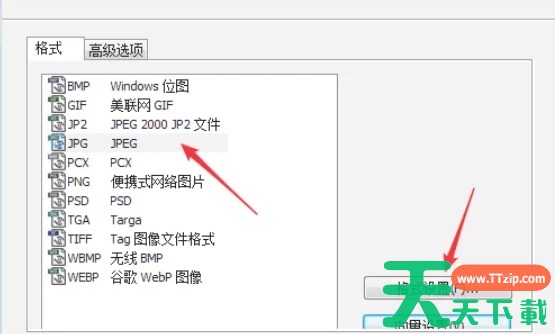
2、选择转换文件格式:在弹出的窗口中,选择需要转换的图片格式(如JPEG)。acdsee怎么压缩图片大小?-acdsee压缩图片大小的方法

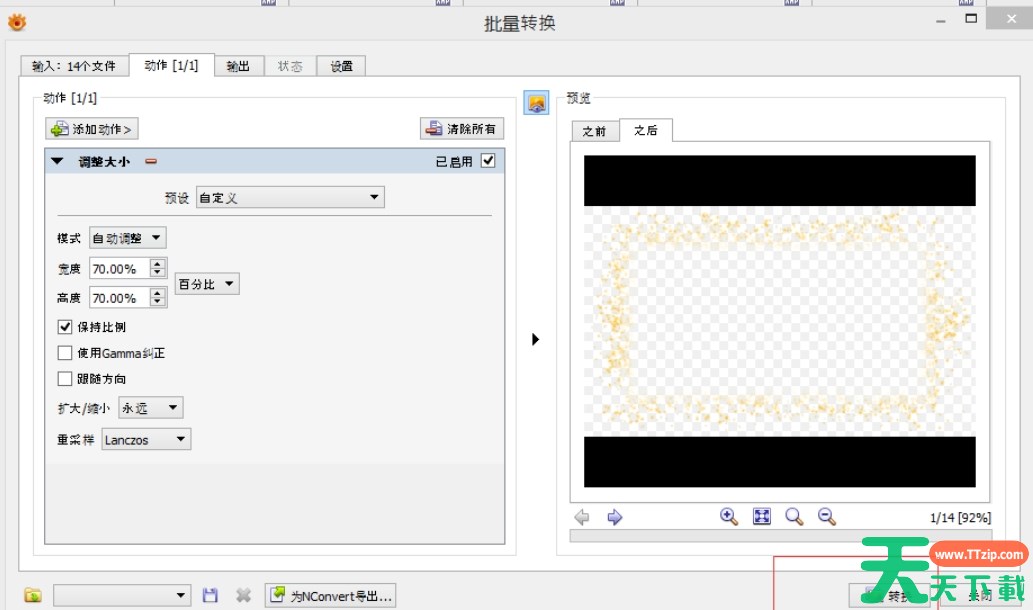
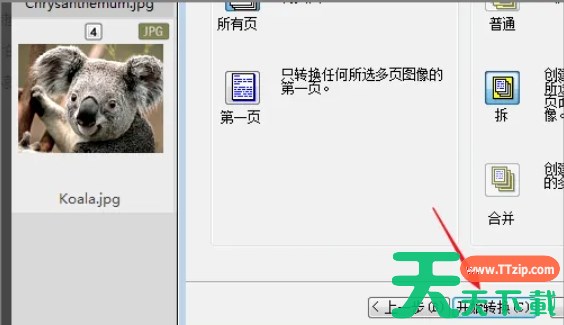
3、开始转换:在格式设置窗口中,可以通过调整图像品质的滑动条来压缩图片。图像品质设置得越小,压缩率越大,图片大小就越小。完成设置后,点击“开始转换”按钮,acdsee将开始压缩并转换图片格式。acdsee怎么压缩图片大小?-acdsee压缩图片大小的方法
以上就是天天绿软Ttzip为您整理的acdsee怎么压缩图片大小?acdsee压缩图片大小的方法啦,希望能帮到您。

除特别注明外,本站所有文章均为 天天绿软 原创,转载请注明原文链接: acdsee怎么压缩图片大小?-acdsee压缩图片大小的方法
10人喜欢